

Photo studio rental handoff checklist
Plan studio access, equipment checks, setup and reset time, and a clear handoff between rental bookings.
Who this guide is for
Rental studio owners and creative teams managing room access, shared equipment, and consecutive photography bookings.
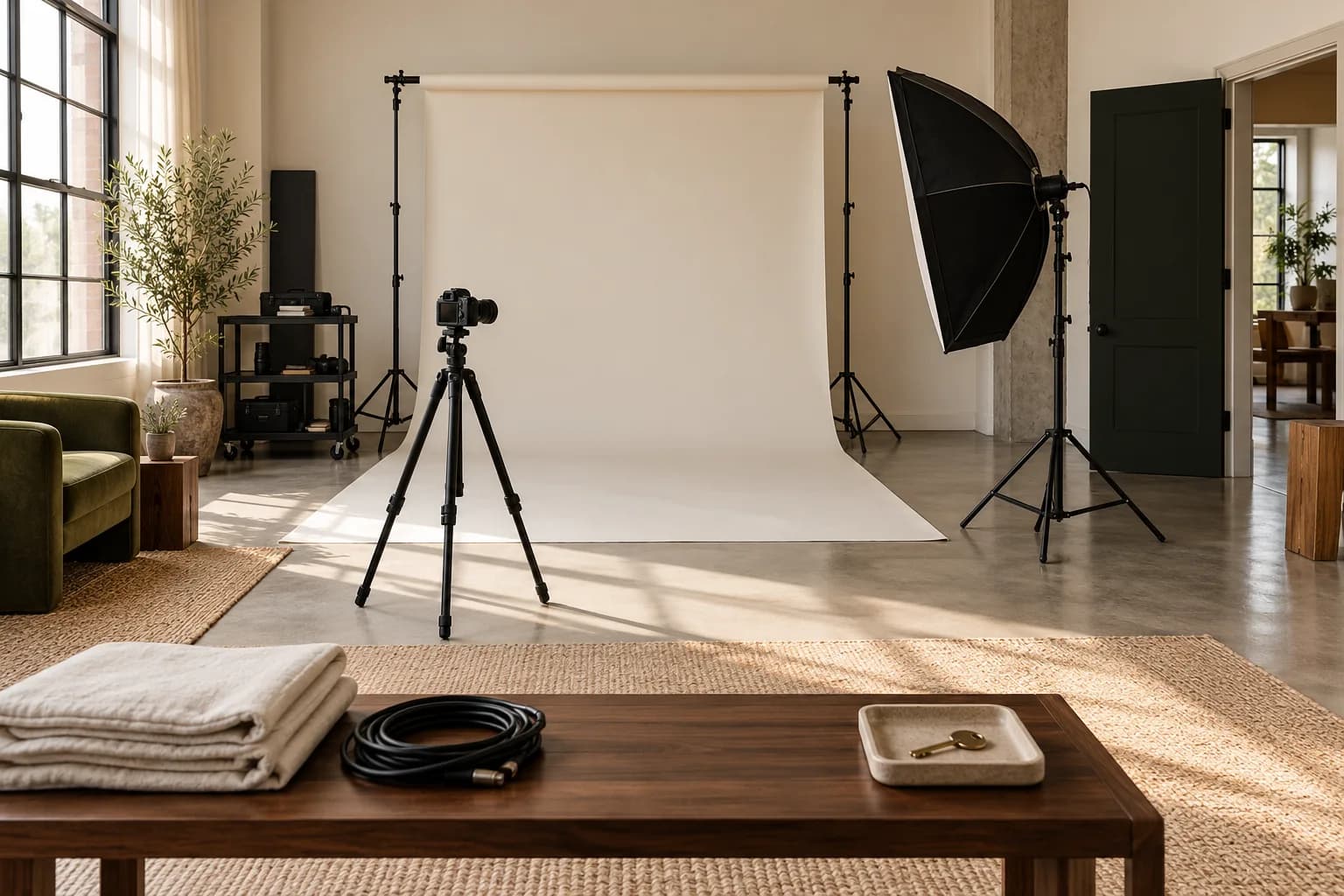
A photo studio rental handoff checklist covers access, the booked room and equipment, setup time, condition checks, reset responsibilities, and a clear end-of-booking contact. Confirm those details before the guest arrives, then inspect the space before the next booking begins. The goal is a predictable transfer of a working studio. A calendar slot alone does not tell either party whether the room is ready, the equipment is complete, or the previous team has finished packing.
Define what the rental actually includes.
List the room, the reserved time window, included equipment, and any separately agreed extras. Confirm the number of people and the type of production so the team can prepare the space appropriately. State whether setup and packing must happen inside the rental period. Send access instructions and a contact for delayed arrivals through the appropriate private channel. Keep door codes and other access secrets out of public booking descriptions. If the guest requests additional equipment, check its availability before treating the change as accepted.
Make the arrival check concrete.
Walk through the included equipment with the guest or provide a clear agreed check-in process. Confirm that stands, modifiers, cables, and other reserved items are present and usable. Record existing issues consistently and give guests a straightforward way to report a problem before they start. Avoid relying on a photo of the whole room when a specific missing item needs to be identified. A short inventory tied to the booking helps both sides understand what was handed over without implying that software has inspected the equipment for them.
“A room is ready for the next booking only when its space, equipment, and reset time are ready together.”
Reserve time for the return to ready.
Explain where equipment belongs, what cleaning or packing the guest handles, and how to report damage or items left behind. Schedule enough time to inspect the room and restore the agreed setup before another guest enters. Review shared equipment against the next booking, not just the room calendar. If a problem affects the next rental, contact that guest with the actual available options. Keep the incident record separate from assumptions about responsibility until the relevant facts and agreement have been reviewed.
The studio handoff checklist
- Before arrival: confirm the space, complete time window, included inventory, access instructions, and contact.
- At check-in: verify reserved equipment, explain the room, record existing issues, and confirm the return process.
- After departure: inspect equipment, restore the room, record unresolved issues, and recheck the next booking.
Connect the room plan to the booking.
Use Karavex resource booking and the studio calendar to organize the room and shared equipment around the rental. Maintain a practical handoff checklist alongside the client details. Availability rules help plan the day, while an actual room inspection confirms that the next team can start with the setup they were promised.
Common questions
What belongs in a photo studio rental checklist?
Include the room, time window, equipment inventory, access process, arrival checks, reset responsibilities, and a contact for problems.
Should studio rentals have a gap between bookings?
Allow enough time to inspect and reset the space and equipment. The required gap depends on the production and the responsibilities agreed with the guest.
How should studios handle shared equipment?
Reserve equipment against the complete working window, verify it at handoff, and check its condition and location before the next booking.