

Portrait session preparation checklist
Prepare a portrait session with a clear brief, practical client instructions, a realistic schedule, and an agreed photo selection process.
Who this guide is for
Portrait photographers preparing individual, family, or professional headshot sessions with a clear client brief.
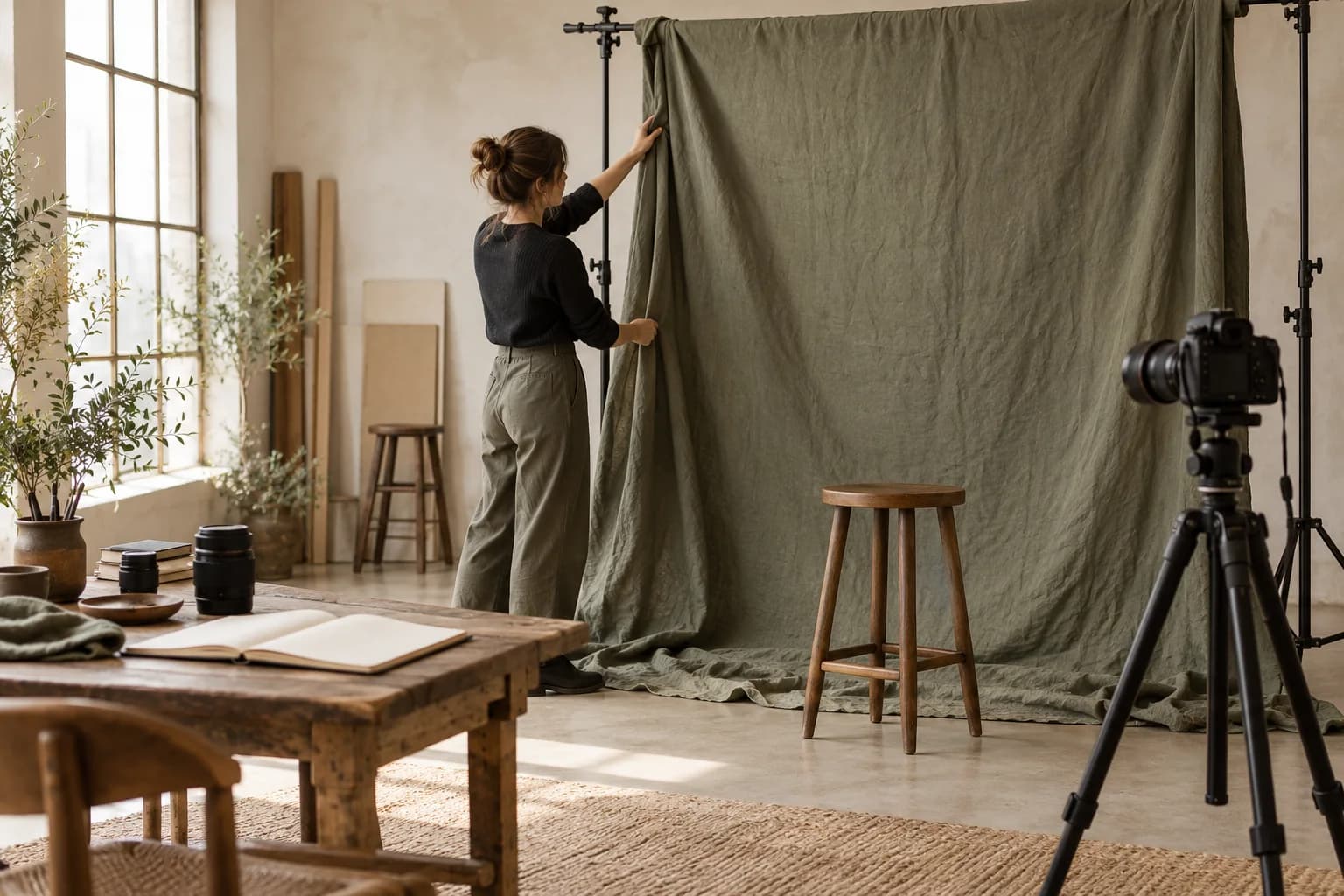
Prepare a portrait session by agreeing the purpose of the photographs, confirming who will attend, sending practical arrival instructions, reserving setup time, and explaining how images will be selected. Keep the answers with the client record so the photographer can review them before the appointment. A useful preparation checklist helps the client arrive ready and gives the team enough context to work confidently. It should explain the next step without turning a simple session into a long questionnaire.
Ask questions that change the photographs.
Start with the intended use: a professional profile, a family print, a personal project, or a set of website images. Ask about the number of people, preferred mood, required crops, and any deadline for receiving finished files. Invite clients to mention practical accessibility needs or concerns about the session without requiring unnecessary personal details. Agree whether wardrobe changes or more than one background are included. A short brief is easier to keep current than scattered messages, and it gives the photographer a concrete starting point for lighting and composition.
Make arrival and timing predictable.
Send the confirmed date, time, address, access instructions, and a contact for arrival problems. Explain what the client should bring and how many clothing changes fit the booked session. Separate the time the client sees from the time needed to prepare the room, test lighting, and reset afterwards. Check the photographer, space, and equipment together before confirming the booking. If the client changes the number of people or the scope, review the duration instead of trying to fit a different shoot into the original slot.
“Preparation works when each answer changes a decision and each instruction makes arrival easier.”
Explain selection before the camera comes out.
Tell clients whether the package includes a fixed number of finished photographs, a proof selection stage, or another agreed deliverable. Explain how they will identify their choices and who will consolidate feedback when several people are involved. State the expected review and delivery windows without promising an automatic turnaround you cannot support. Before sharing the final gallery, check visibility, download permissions, and the instructions the client will receive. Keep an independent backup of the work; delivery and long-term archiving serve different purposes.
Before the portrait appointment
- Brief: record intended use, attendees, required crops, wardrobe changes, and the delivery deadline.
- Booking: confirm arrival details, session duration, photographer, room, equipment, and setup time.
- Handoff: agree the included files, selection method, feedback owner, and expected delivery window.
Keep the brief beside the booking.
Use Karavex client forms and client records to organize the preparation details, then review them with the booking before the session. Adapt the checklist to the job rather than collecting every possible answer. Clear preparation leaves more of the appointment for helping the client feel comfortable and making the photographs they actually need.
Common questions
What should a portrait session questionnaire ask?
Ask about intended use, attendees, preferred mood, crops, wardrobe changes, practical access needs, and deadlines. Collect details that affect preparation or delivery.
Should setup time be included in portrait scheduling?
Reserve setup and reset time as well as the client appointment. Check the photographer, room, and shared equipment for the complete working window.
When should clients learn how photo selection works?
Explain selection before the session, including the included files, how choices are submitted, who combines feedback, and the expected delivery window.